> For the complete documentation index, see [llms.txt](https://doc.barsoft.hu/llms.txt). Markdown versions of documentation pages are available by appending `.md` to page URLs; this page is available as [Markdown](https://doc.barsoft.hu/attrakciok-booking/barsoft-attrakciok-es-pos.md).
# BarSoft Attrakciók és POS
Beállítások -> testreszabás menüpontban lehet meghatározni az eszköz működési típusát.\
Amennyiben több eszközt használunk, viszont nem mindegyiken értékesítünk jegyeket, érdemes csak azon az eszközön bekapcsolni a Jegyeladást, ahol ez meg is történik, így nem lesz zavaró a mód váltó gomb.\
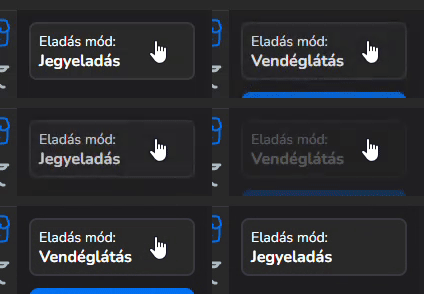
Ha egy eszközön szükséges a vendéglátás és a jegyeladás használata is, a választható eladási mód lesz segítségünkre.
Ha az eladási mód "Választható", az azt jelenti, hogy a Gyorsnyugta felületen megjelenik egy új gomb, amivel tudunk váltani jegyeladás és vendéglátás között.
A megjelenítésbeli beállítások ki fognak hatni a Jegyeladás felületre is.