> For the complete documentation index, see [llms.txt](https://doc.barsoft.hu/llms.txt). Markdown versions of documentation pages are available by appending `.md` to page URLs; this page is available as [Markdown](https://doc.barsoft.hu/pos/teruletenkenti-bontas/sugo-segitseg-support.md).
# Súgó, Segítség / Support
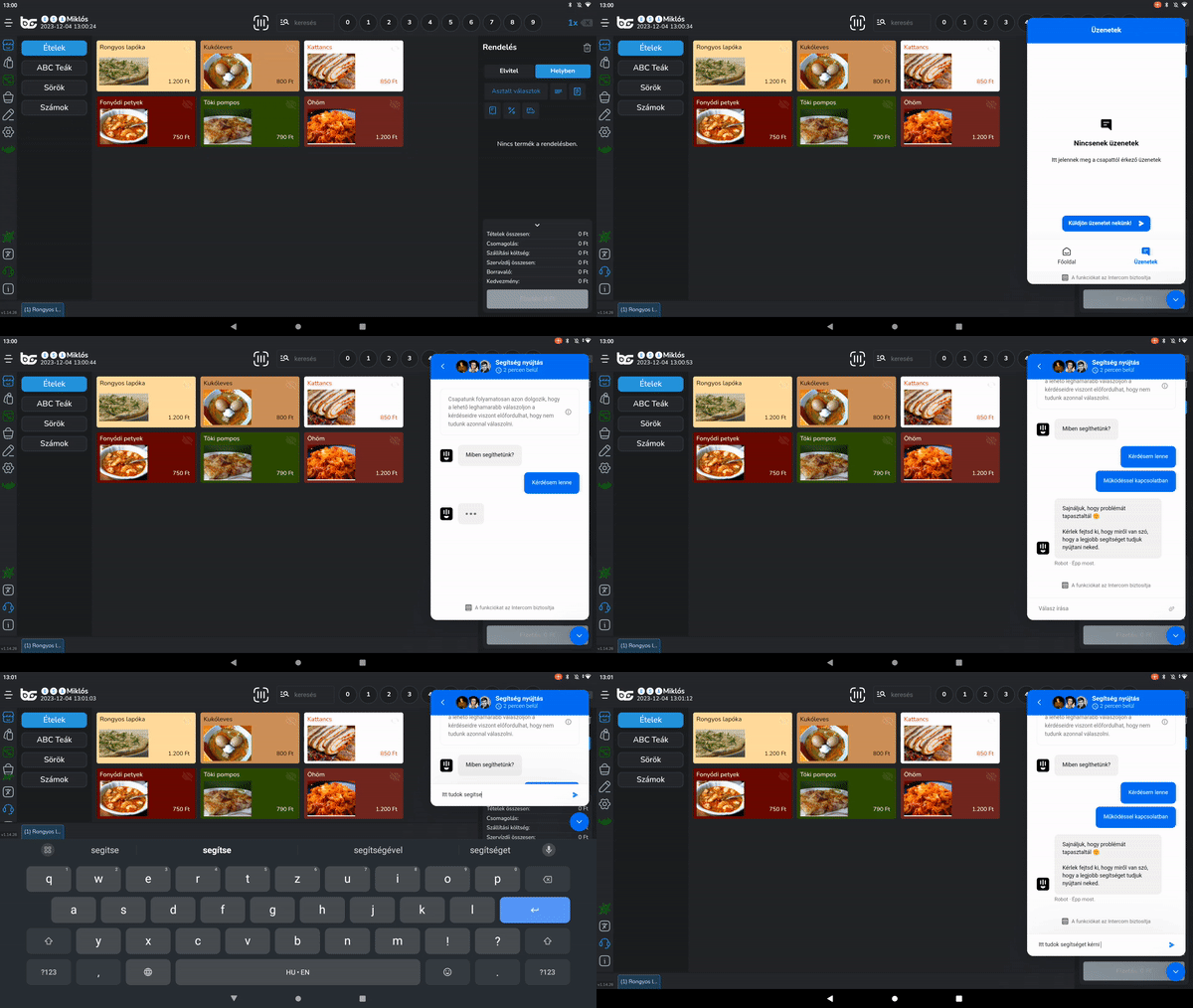
A fejhallgató ikonra kattintva megjelenik/eltűnik a jobb alsó sarokban egy chat ikon, a bal oldalt pedig az eszköz információ ablak. Az információs ablakban feltüntetjük a viszonteladód elérhetőségeit (ha van). Ők leszek az elsődleges segítségnyújtási elérhetőségetek, ha probléma történne.\
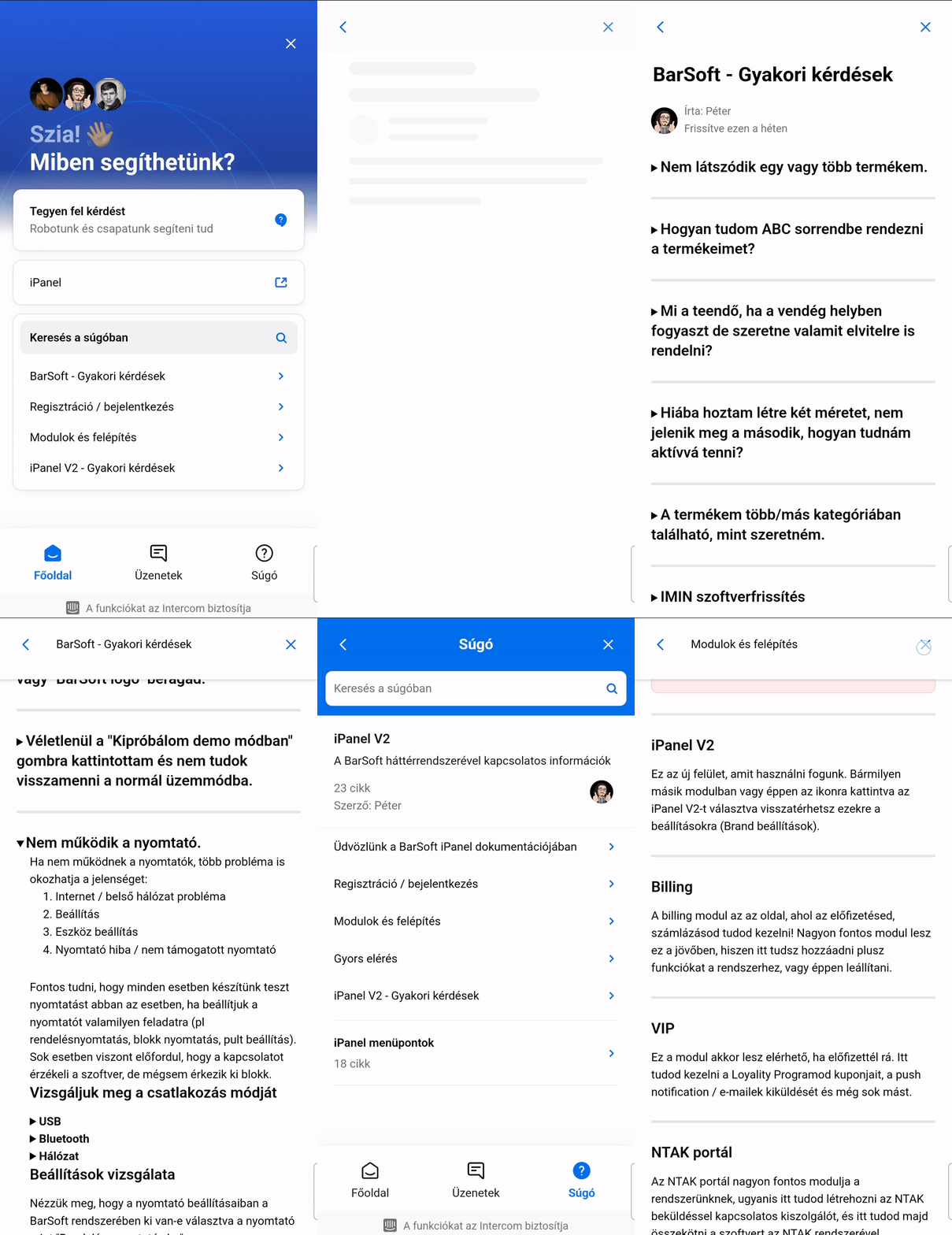
Ha a chat ikonra rákattintunk lehetőségünk van böngészni a súgóban, a gyakori kérdésekben, vagy egy BarSoft ügyfélszolgálatossal beszélgetni akinek amint lehetőségében áll válaszolni fog a kérdéseinkre és megpróbálja megoldani a problémánkat.